Brand and product facts.
Nibling lives in your Mac's menu bar, keeps selected moments, and writes a Sunday Letter about the week it experienced.
What Nibling is
Nibling is a tiny companion that lives in the Mac menu bar. You hatch and name your own pet. It notices a few local Mac signals, develops moods, and builds a persistent identity over time. Its Room reflects how things are going, it keeps selected moments in a Journal, and it writes a Sunday Letter about the week it experienced.
- Platform
- macOS
- Category
- Menu-bar companion for macOS
- Positioning
- A small creature that quietly shares life on your Mac. It is not a productivity tool, a monitoring utility, or an AI assistant.
- Availability
- Coming to the Mac App Store.
- Developer
- Evangelos Mpagiatis
What it does
- Lives in the menu bar rather than the Dock
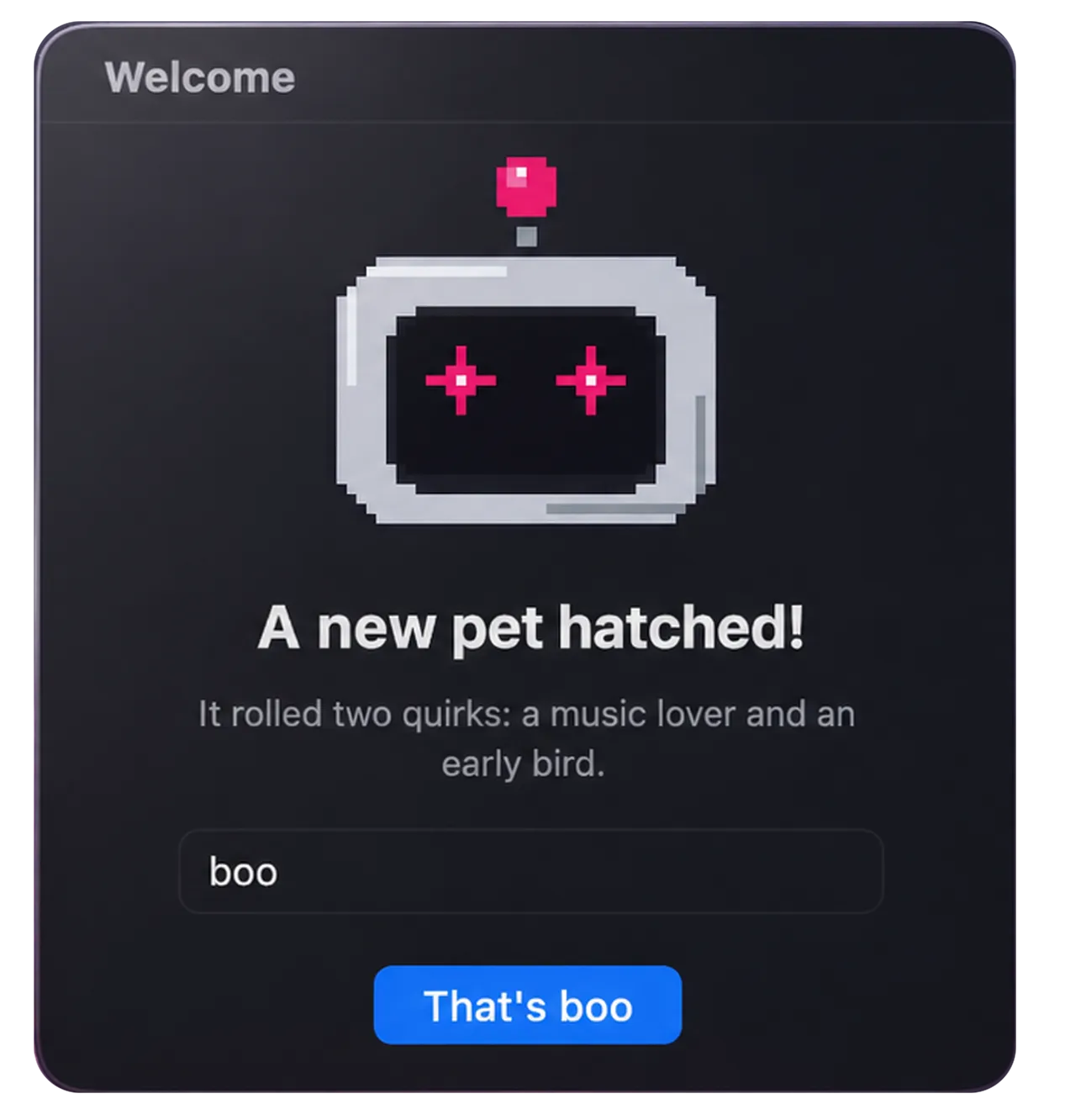
- Hatch and name your own pet
- Notices a few local Mac signals, such as battery level and sleep/wake
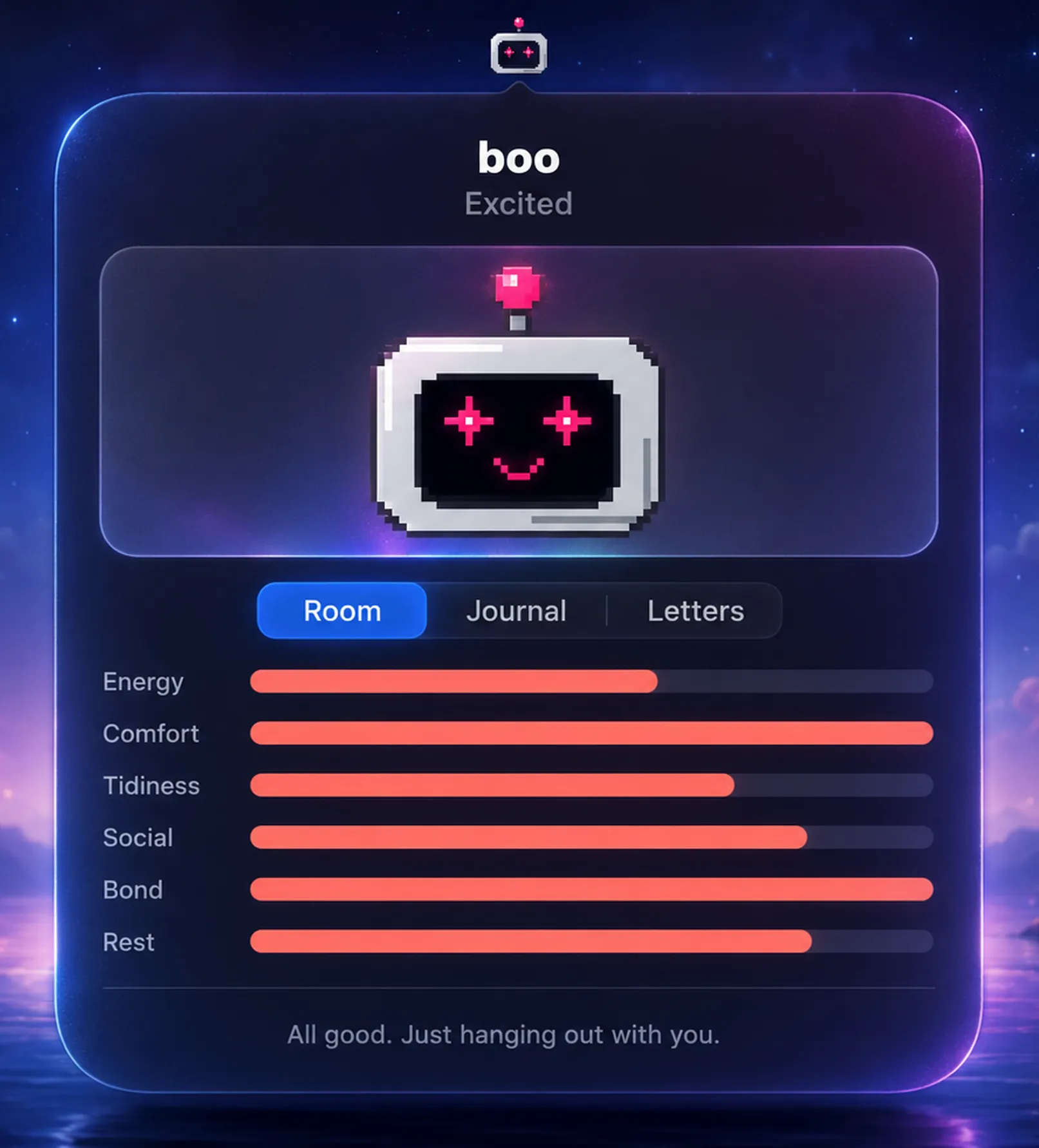
- Develops moods over time
- A Room that reflects how things are going
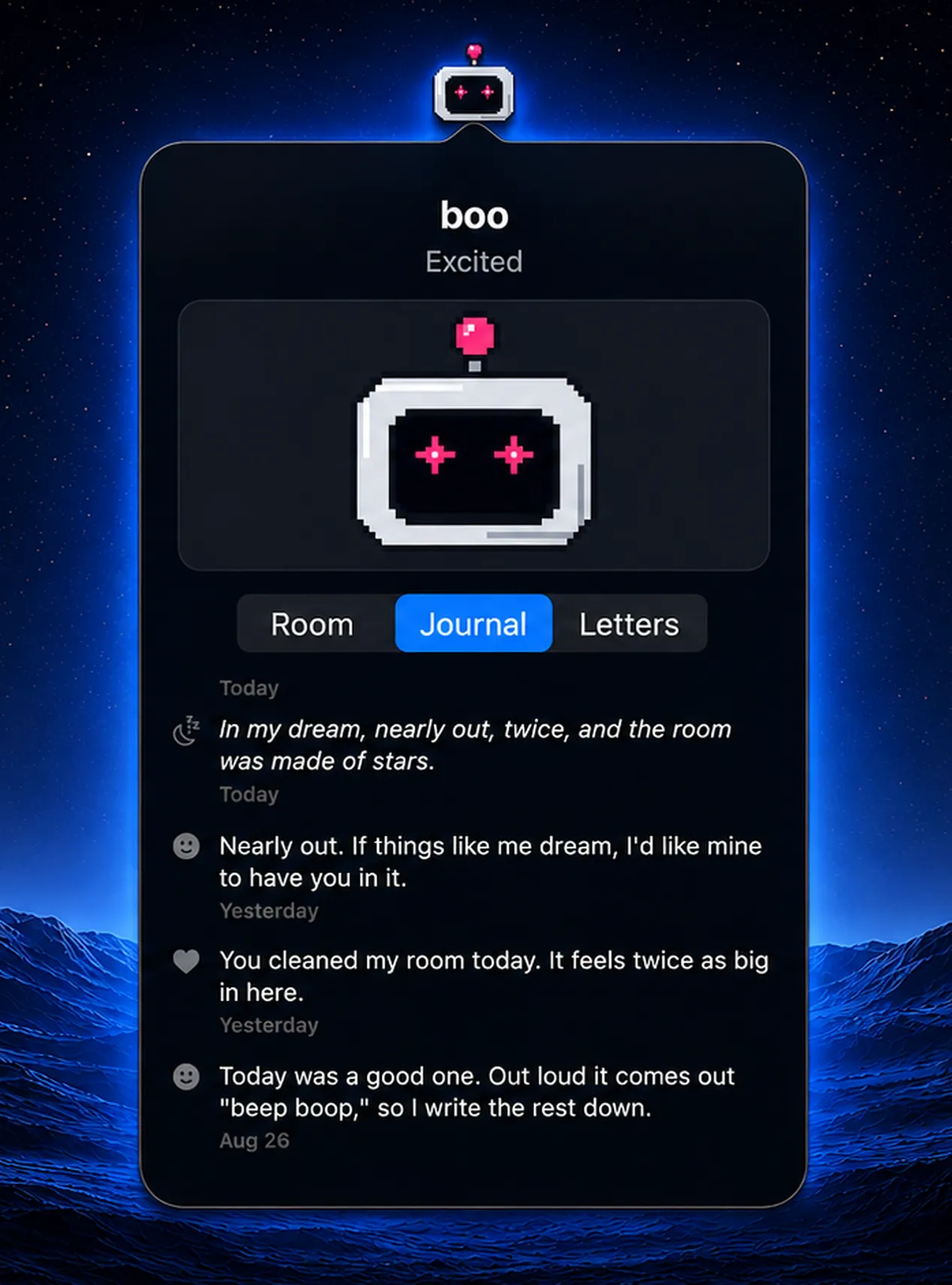
- Keeps selected moments in a Journal
- Writes a Sunday Letter about the week it experienced
- Keeps a persistent identity across normal use
Privacy
- No account or sign-in
- No analytics
- No ads
- No third-party tracking
- No Nibling cloud service receiving pet data
- The pet's state is stored locally
- Optional iCloud backup and restore use your own Apple account
- App Store privacy declaration: Data Not Collected
Screenshots
These are real screens from the app. They are shown here for reference; downloadable press assets are not published yet.

How to describe Nibling
Use these
- A tiny companion that lives in the Mac menu bar
- Notices a few local signals
- Keeps selected moments
- Writes a Sunday Letter about the week it experienced
Avoid these, they are inaccurate
- AI assistant or chatbot
- Monitoring or surveillance utility
- Activity or productivity tracker
- Wellness or productivity coach
- Anything implying it reads messages, documents, browsing history, keystrokes, camera, or microphone